

Smart locks are increasingly part of the interior brief rather than an afterthought. Clients ask for keyless main doors, app access for family members, or a fingerprint lock on a study or bedroom. Getting them right depends on decisions made early — door type, door thickness, finish and wiring — long before the lock arrives on site.
Start with the door, not the lock
Every lock is designed for a type of door. Before choosing a model, record for each opening: whether it is hinged or sliding, which way it opens, what it is made of, its thickness, and whether it is a main door, an interior door or a sliding partition. A lock that suits a solid main door may not suit a sliding glass or panel door, and the reverse.
| Door | Locks in the range |
|---|---|
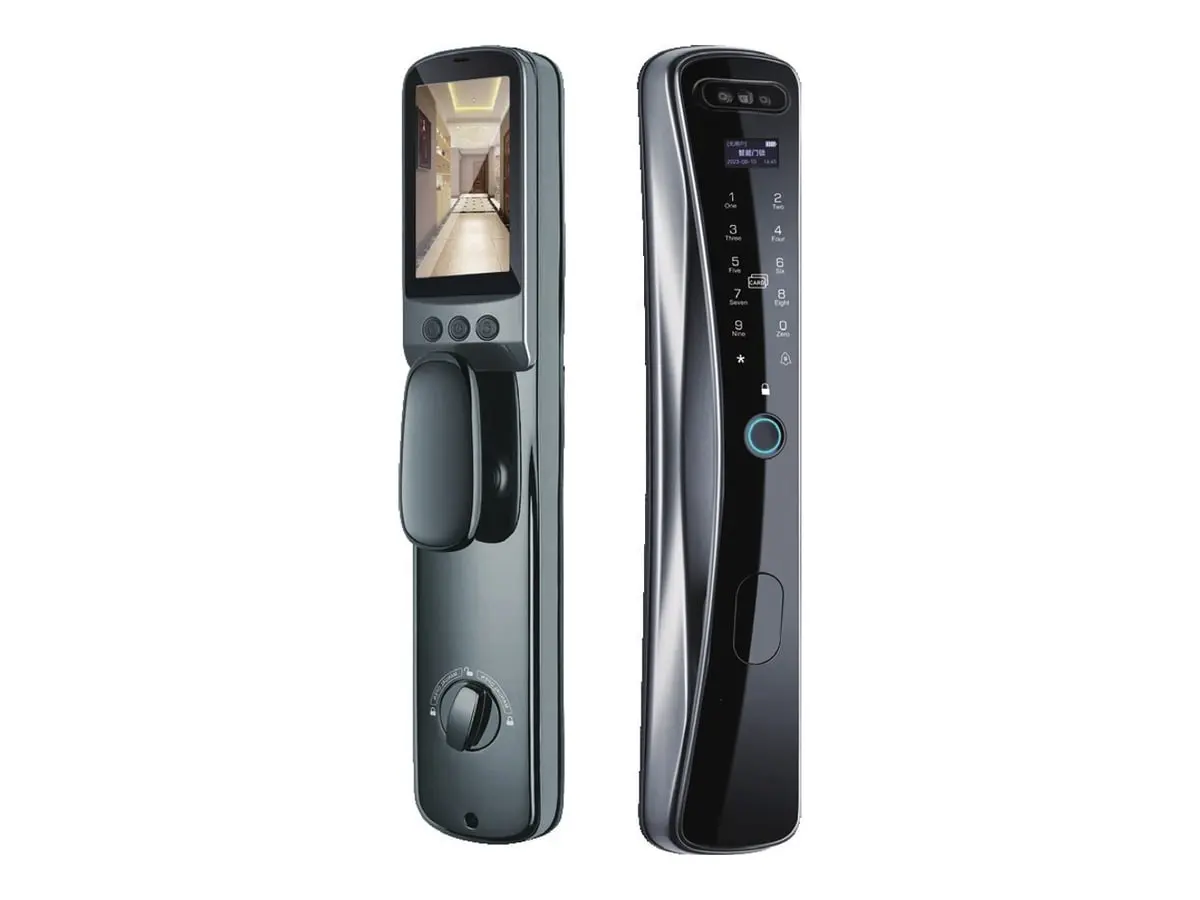
| Main door (mortise) | Palm + Face Smart Lock, Face Recognition Smart Lock |
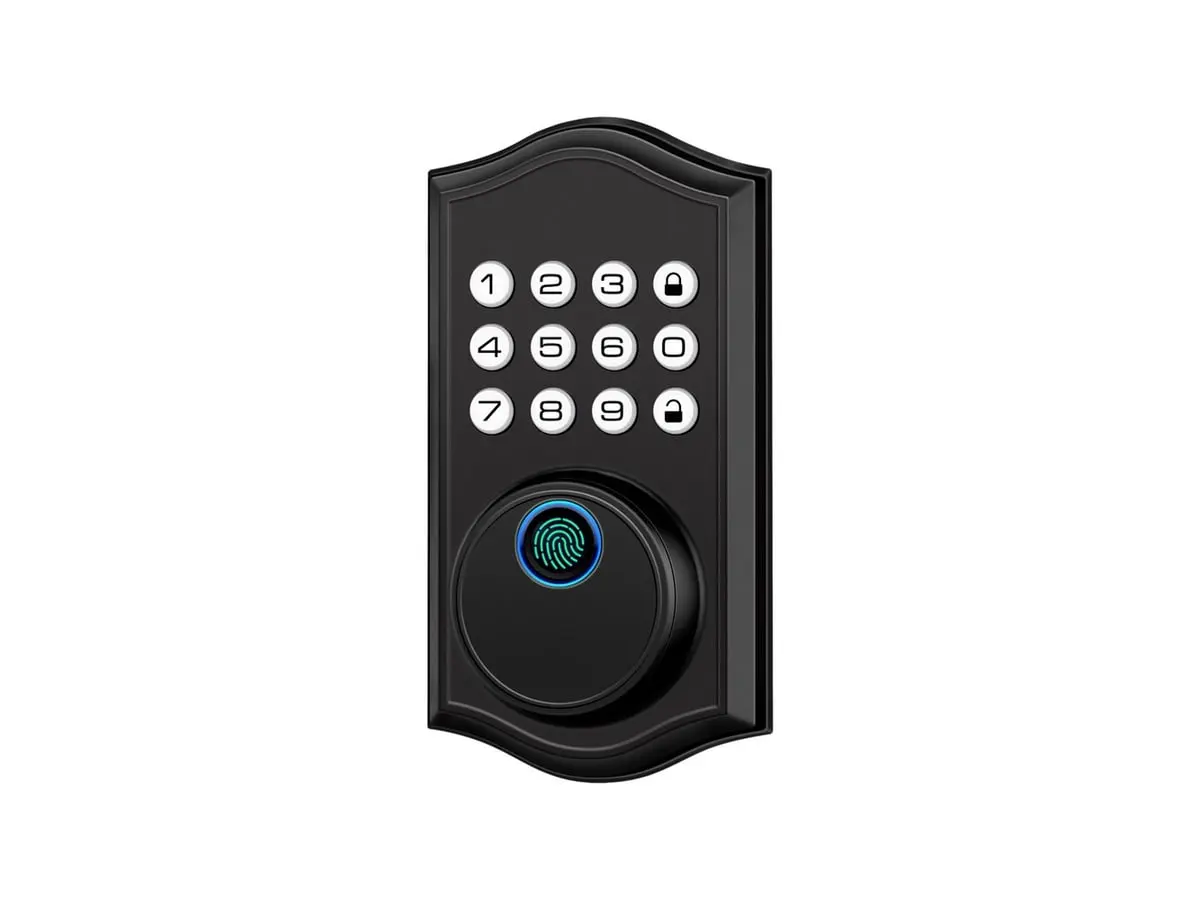
| Home, apartment or rental door (deadbolt bore) | Fingerprint Keypad Deadbolt |
Choosing access methods
Smart locks generally offer some combination of fingerprint, PIN code, card or fob, app, and biometric options such as face or palm recognition, plus a mechanical or emergency fallback. The right combination depends on who uses the door: a family home, a rented flat with changing occupants, an office cabin, or a shared staff entrance. Ask for each model’s actual access options rather than assuming from the name.
Fingerprint, face or palm: comparing the three locks
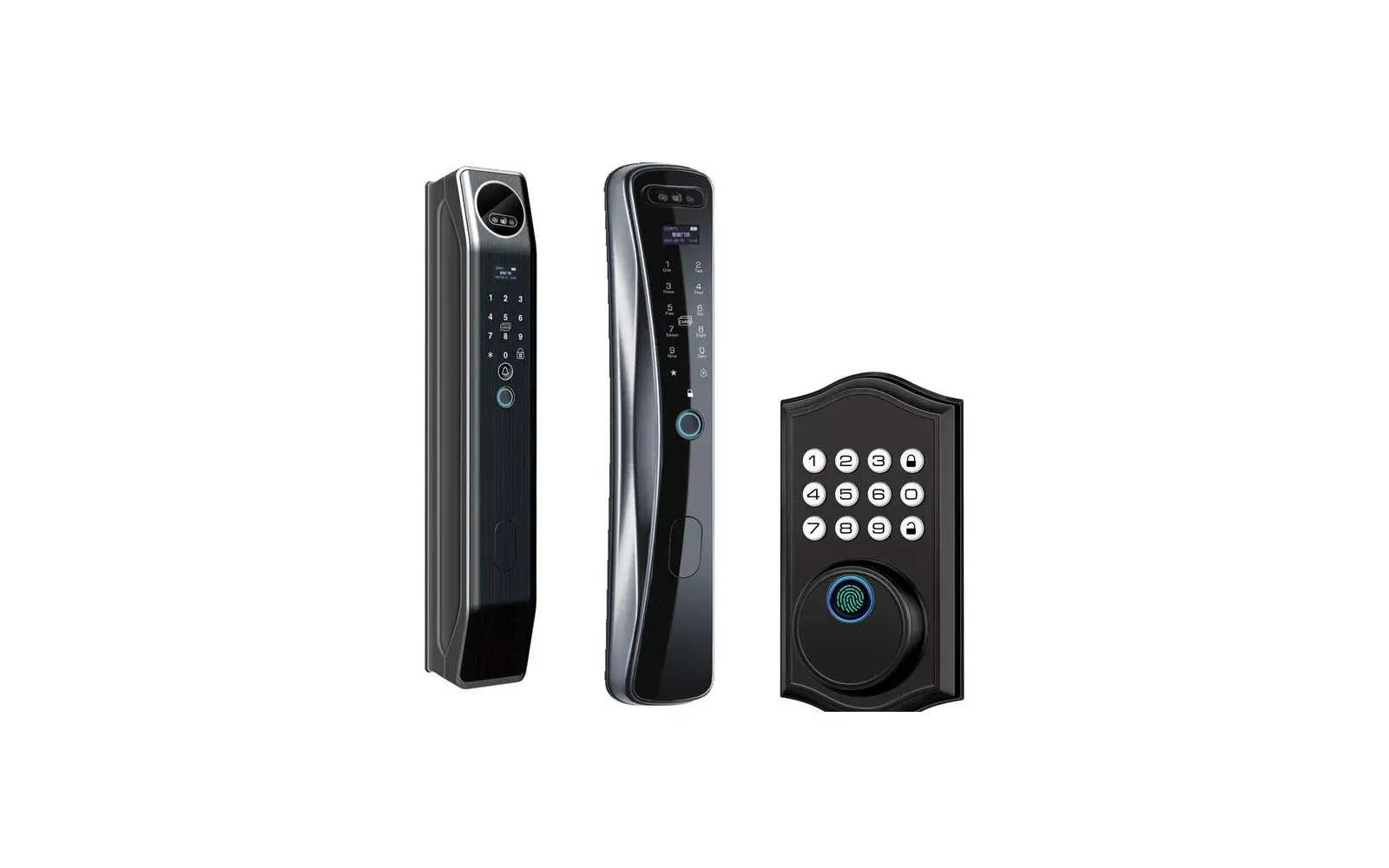
Fingerprint is the most familiar biometric and works without a network. Face recognition is hands-free, which helps when arms are full of shopping or a child. Palm recognition opens the door with a simple wave of the hand, without touching a sensor. Each lock in the range also accepts a PIN and has a mechanical key, so there is a fallback when a biometric read fails.
| Palm + Face Smart Lock | Face Recognition Smart Lock | Fingerprint Keypad Deadbolt | |
|---|---|---|---|
| Biometric unlock | Palm, face and fingerprint | Face and fingerprint | Fingerprint |
| Other ways in | PIN, card, key, mobile app | PIN, card, key, mobile app | PIN, key |
| Visitor screen | 4.5″ indoor screen, 2 MP camera, video intercom | Indoor screen, 2 MP camera, video intercom | None |
| Connectivity | 2.4 GHz Wi-Fi, mobile app | 2.4 GHz Wi-Fi, mobile app | Standalone (no Wi-Fi) |
| Door fit | 6068 / 6072 / 6085 mortise | 6068 mortise | Doors 35–50 mm thick, 54 mm bore |
| Best for | Main doors of homes and villas | Main doors of homes and apartments | A simple keyless upgrade without Wi-Fi |
In short: the Palm + Face Smart Lock suits a main door where touch-free entry and seeing visitors matter most; the Face Recognition Smart Lock gives hands-free entry managed from a phone; and the Fingerprint Keypad Deadbolt is the straightforward choice for a standard home or apartment door. All three are on the Digital Smart Locks page, and the doors page pairs them with flush doors.
Questions to ask before ordering
- Which door thicknesses and materials is this model designed for?
- Is it for a hinged or sliding door, and which hand (left or right)?
- What does the door need — a mortise cut, through-holes, a specific backset?
- How is it powered, how is low power indicated, and what is the emergency access method?
- Does it need Wi-Fi or a hub for app features?
- Which finishes are available to match the rest of the ironmongery?
- Who installs it, and is door preparation done on site or at the door workshop?
Door preparation and coordination
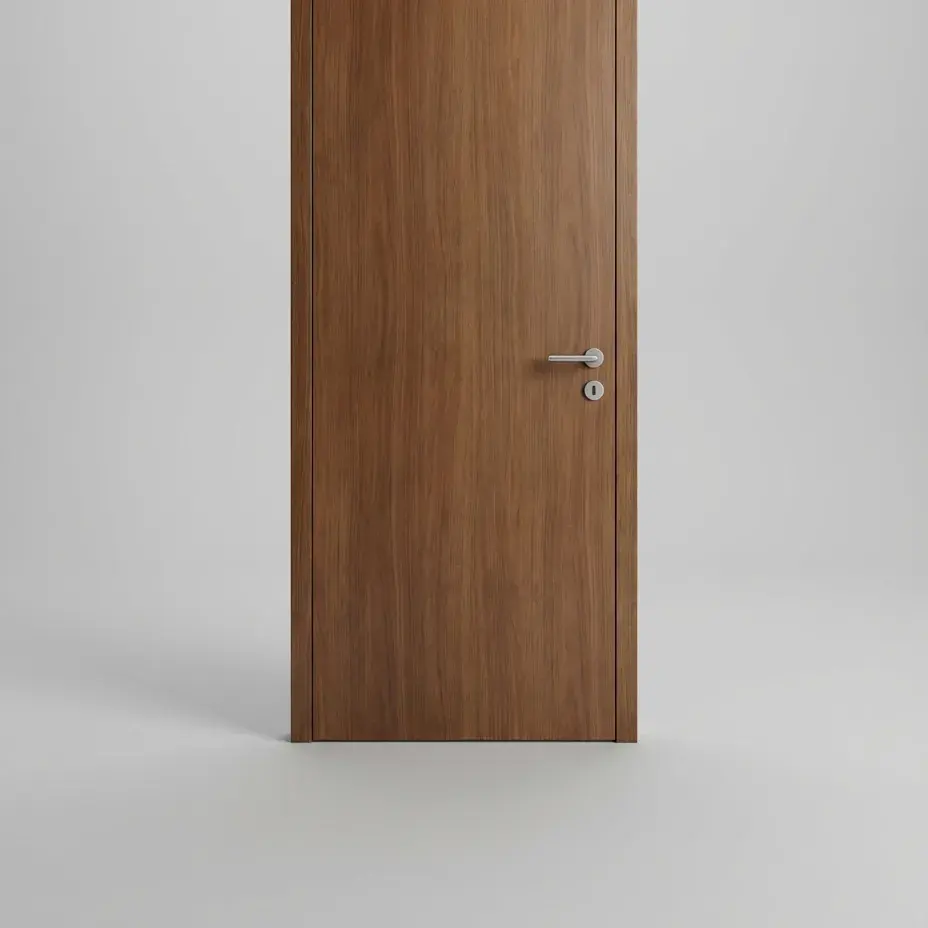
Smart locks often need larger cut-outs than ordinary locks. If doors are being made or supplied for the project — for example Duro flush doors, which the catalogue lists in 30 and 35 mm thicknesses — confirm lock compatibility and cut-out positions before the doors are finished or polished. Cutting a finished veneered door on site risks chipping and mismatched repairs.
Handover to the client
- Register the owner as the primary administrator and remove installer credentials.
- Walk the client through adding and removing users.
- Show the emergency access method and where any mechanical key is kept.
- Leave the manual and all paperwork supplied with the product in a known place.
Planning locks across a whole project
On larger homes and offices, make a door schedule early: one row per opening with the door type, size, thickness, hand, finish and the lock chosen. It keeps the door workshop, the electrician and the hardware supplier working from the same list, and it makes bulk enquiries straightforward. Note which doors need power or network access nearby for app or Wi-Fi features, and which are best kept simple with a stand-alone lock.
Smart locks in the Ananta catalogue
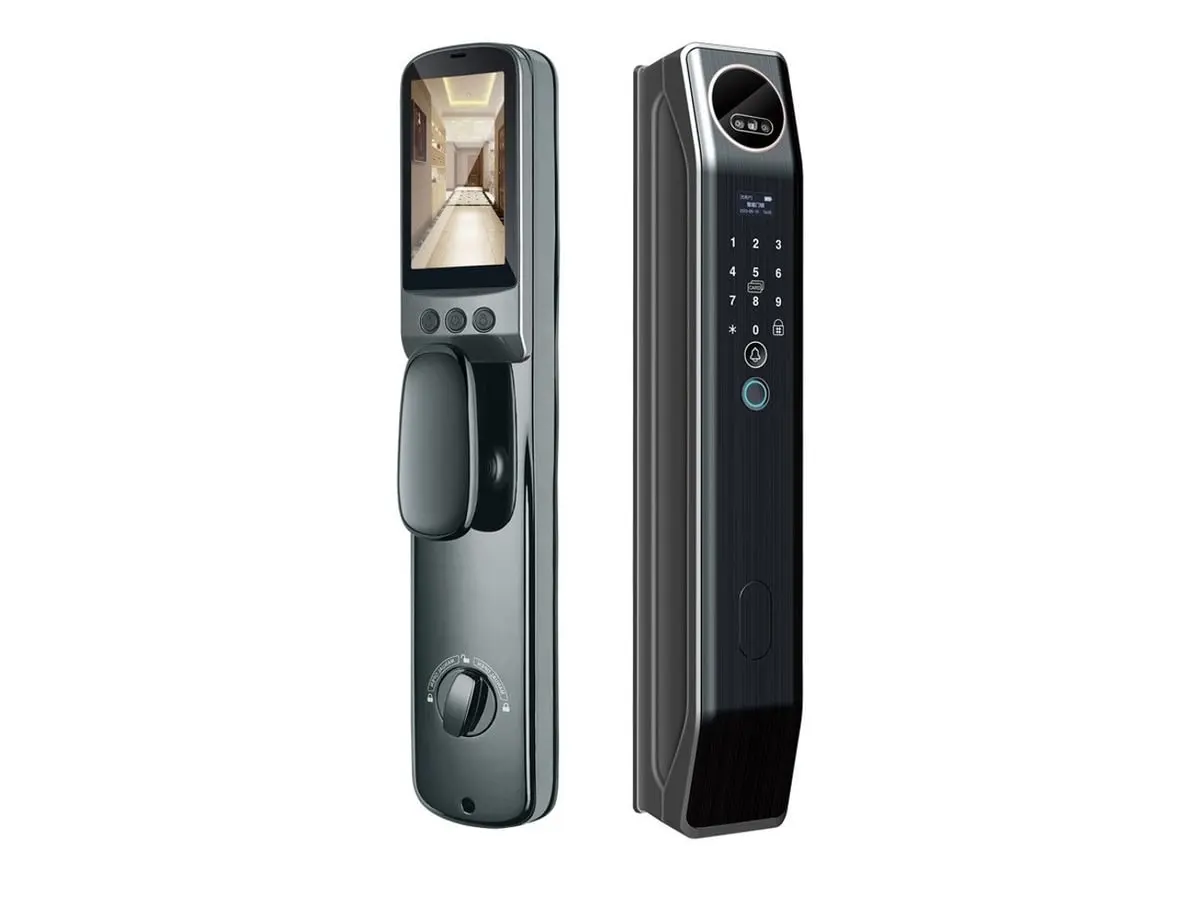 Digital Smart Locks
Palm + Face Smart Lock
- Key feature: Palm Vein Unlock
- Key feature: Face Recognition
- Key feature: Fingerprint + PIN
For Main doors, Villa and apartment entrances
 Digital Smart Locks
Face Recognition Smart Lock
- Key feature: Face Recognition
- Key feature: Fingerprint + PIN
- Key feature: Indoor Video Screen
For Main doors, Apartment and home entrances
 Digital Smart Locks
Fingerprint Keypad Deadbolt
- Key feature: Fingerprint + PIN
- Key feature: Auto-Lock
- Key feature: One-Time Guest Codes
For Main doors, Interior and rental doors